The 256GB Paradox: Why Your New Redmi Note 14 Feels More Cluttered Than Your Old Note 8
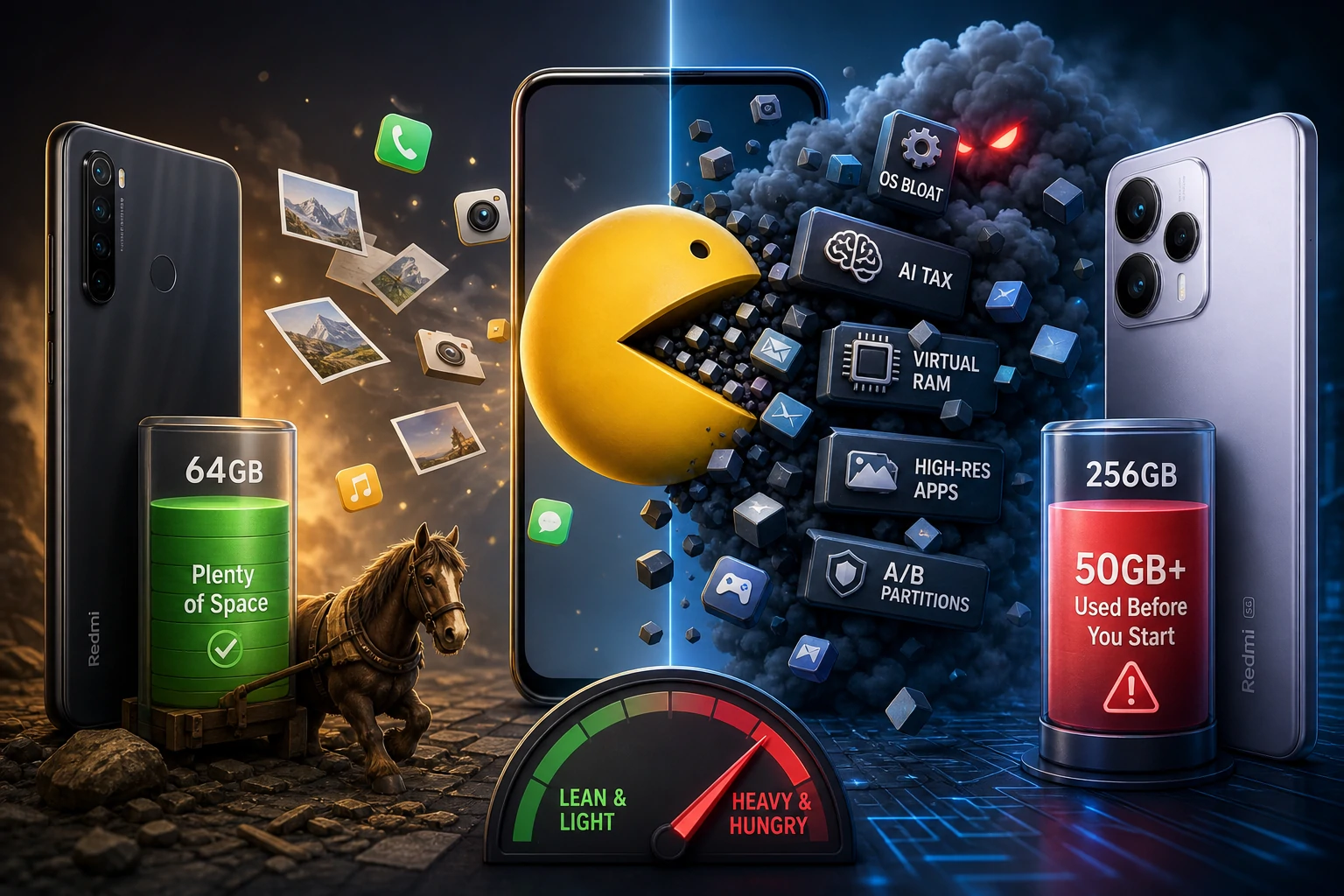
We’ve all been there. You finally decide to retire the legend, the Redmi Note 8. That 64GB workhorse served you faithfully for five years, working "magically" with space to spare. You upgrade to the brand-new Redmi Note 14, sporting a massive 256GB of storage. You think, "I’ll never see a 'Storage Full' warning again."
Then, you check the settings. Before you’ve even downloaded your favorite apps or moved your photos, the system is already eating 50GB to 60GB.
Wait, how? How can a phone with four times the storage feel just as "heavy" as a budget phone from 2019? Is it a marketing trick to sell 1TB models, or is there something deeper happening under the hood? Let’s dive into the Storage Inflation Crisis.
The "System" is Getting Heavier (OS Bloat)
Back on your Note 8, Android was lean. The software was built to run on limited hardware, so every megabyte counted.
The Redmi Note 14 runs on the latest version of HyperOS. This isn't just an operating system; it’s a massive ecosystem of high-resolution textures, fluid animations, and complex background services. From advanced privacy layers to real-time system optimizations, the "baseline" for what a phone needs just to stay powered on has tripled in five years.
The AI Tax
The Note 14 is packed with AI features—things like AI Image Expansion, Object Removal, and Smart Scene Recognition. These features require massive "libraries" of data stored locally on your device so they can work instantly without an internet connection. On your old Note 8, these features simply didn't exist, which kept the system folder tiny.
The "Virtual RAM" Ghost
One of the biggest culprits on newer devices is Memory Extension. To make the Note 14 feel faster, the system "borrows" storage space and treats it like RAM.
If your phone is marketed as having "8GB + 8GB" of RAM, that second 8GB is actually being carved out of your 256GB storage. It shows up as "used" the second you unbox the phone, even though you haven't saved a single file yet.
High-Resolution App Ballooning
Think about the screen on the Note 14. It’s a 120Hz AMOLED masterpiece. To make sure apps don't look "blurry" or pixelated on such a sharp display, developers now bundle apps with high-resolution graphics.
An app that took up 100MB on your Note 8 in 2019 now routinely takes up 500MB to 1GB. Every icon, every menu, and every background asset is now four times the size it used to be.
A/B Partitions: The Safety Net That Costs GBs
Modern Android phones use a dual-partition system. Your phone essentially keeps two copies of the system files. This is a safety feature: when you update your phone, it happens in the background on the "other" slot. If the update fails, the phone instantly switches back to the working version. It prevents your phone from "bricking," but it effectively doubles the space the OS occupies.
How to Reclaim Your Note 14 Storage
If your 256GB is already feeling tight, here is how you fight back:
Kill the Virtual RAM: Go to Settings > Additional Settings > Memory Extension. If your phone already has plenty of physical RAM, turn this off to reclaim up to 8GB or 12GB instantly.
Clear the "Other" Category: This is usually hidden cache from apps like Telegram, WhatsApp, or TikTok. These apps save every video you scroll past. Use the "Clear Cache" option inside those specific apps.
Check the Gallery Trash: Modern Redmi phones keep deleted photos for 30 days in a "Bin." If you just moved data over and deleted duplicates, you might have 20GB of "ghost" data sitting in your trash folder.
The Bottom Line is that:
The Redmi Note 14 is a powerhouse compared to the Note 8, but it’s a "gas guzzler" when it comes to storage. We have more room than ever, but the "rent" for the modern smartphone experience has gone up significantly.
Is your phone eating too much storage? Check your settings and let us know your "System" size in the comments!